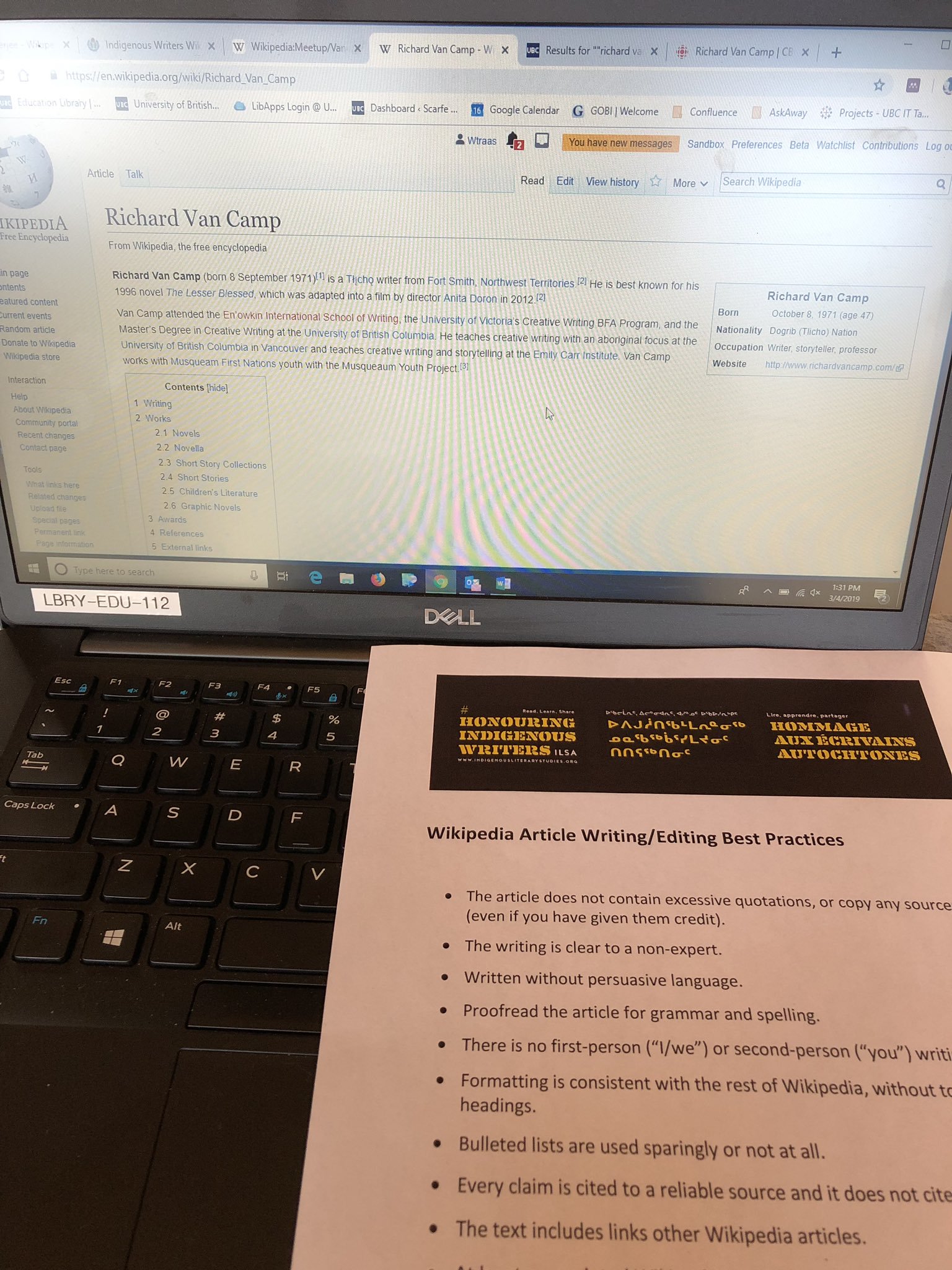
to bring into line or alignment -
aligned the books on the shelf
Example: Center the pattern over the design, align the marks, and pin in place.
Back Button
noun
An icon on a computer screen that typically depicts a backward pointing arrow and that returns the user to a previously shown window or web page.
Also called back arrow
Example: There's also a back button that goes to some completely unknown page.
Bullet
noun
a small symbol, such as a solid circle, printed just before a line of type, such as an item in a list, to emphasize it.
Example: This is demonstrated below in BULLET points taken from Beard
Click
verb
select (an option on an electronic interface) by pressing a button or touching a screen.
"click the left mouse button twice"
Example: Whenever I press a key on this keyboard or CLICK 'Save', some part of Coding theory is used to check that the data has been transmitted and stored correctly.
Clipart
noun
simple pictures and symbols made available for computer users to add to their documents.
"you add designs to your labels from the clip art or your own custom graphics"
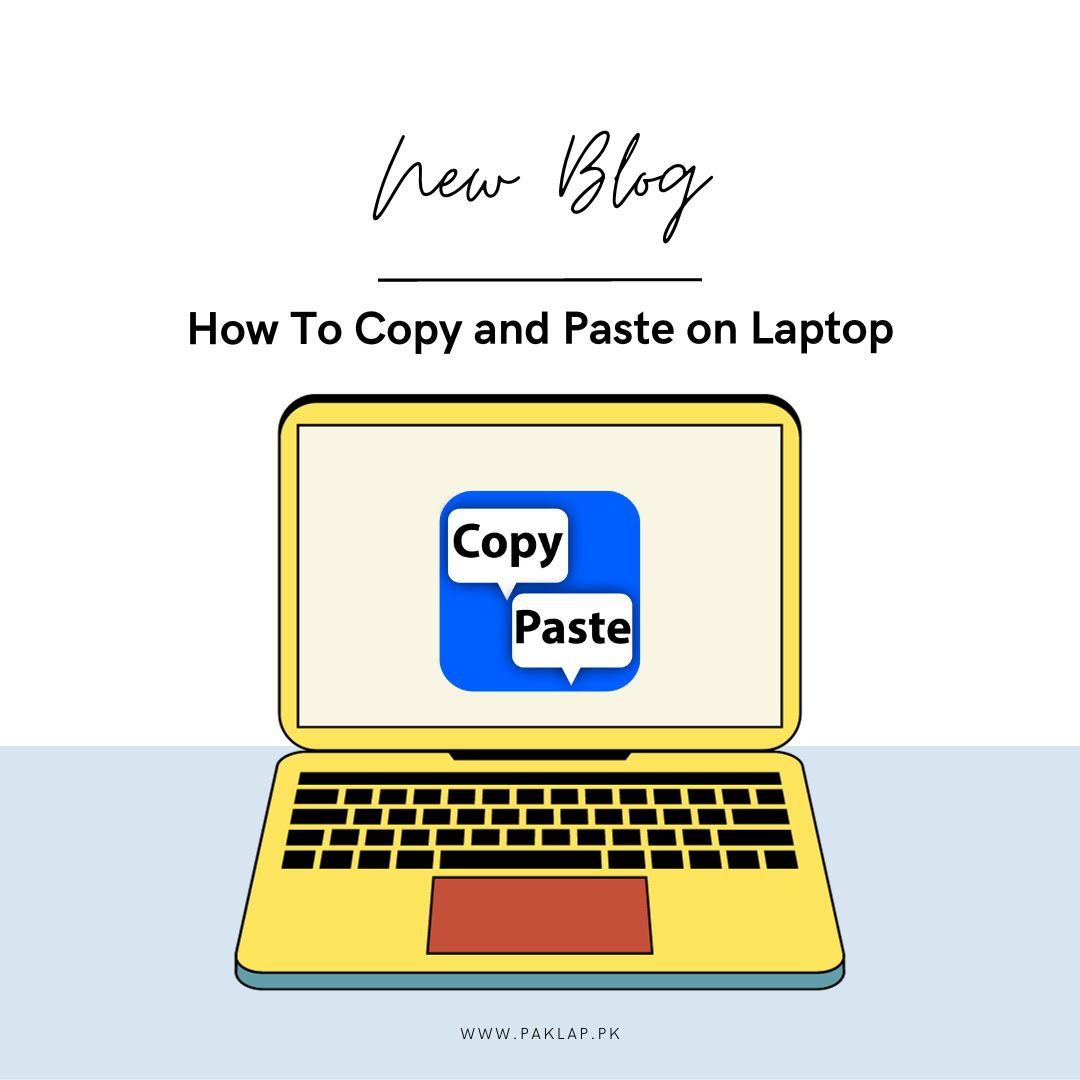
Copy
verb
make a similar or identical version of; reproduce.
"each form had to be copied and sent to a different department"
Example: When you copy something, the original remains unchanged, while a new, identical copy is created in another location.
CPU
noun
A central processing unit (CPU), also called a central processor, main processor, or just processor, is the most important processor in a given computer.
Example: A CPU (Central Processing Unit) is the brain of a computer.
Cursor
noun
a small image such as a line or an arrow on a computer screen that can be moved to show, for example, where numbers or text can be entered:.
Example: Move the cursor to the link and click.
Cut
verb
delete (part of a text or other display) completely or so as to insert a copy of it elsewhere.
Example: The cut command removes the selected data from its original position.
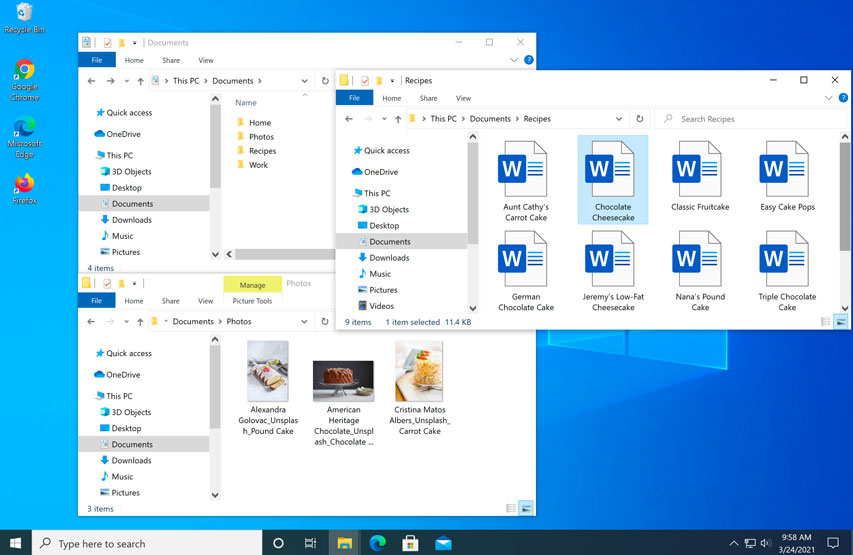
Desktop
noun
the working area of a computer screen
Example: A desktop computer is a personal computer designed for use on or near a desk due to its size ..
Drag
verb
move (an image, icon, etc.) across a display screen using a mouse, trackpad, one’s fingers, etc.
Example: You can move the icons into this group by dragging them in with the mouse.
Edit
verb
change (text) on a computer
Example: The content I wanted to include took over 3,000 words, so I had to EDIT out quite a lot of information.
Email
noun
a method of transmitting and receiving messages using electronic devices.
Example: Do you want to send an E-mail?
File
noun
A file is a container in a computer system for storing information.
Example: I opened the FILE to continue working on the project.
Folder
noun
a place on a computer where files or programs can be stored
Example: You can back up files and FOLDERS with two clicks.
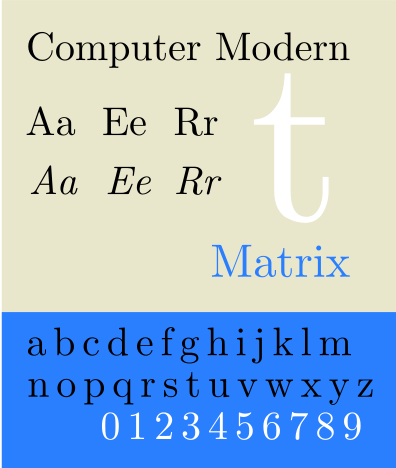
Font
noun
a set of printed letters, numbers, and other symbols of the same style
Example: The printer can produce a variety of fonts in virtually any type size.
Google Chrome
noun
a web browser developed by Google
Example: Google Chrome is a web browser that's free to download from the internet.
Headphones
noun
Headphones are a pair of small speakers used for listening to sound from a computer, music player or other such electronic device.
Example: The sound quality is better if you wear headphones.
Hyperlink
noun
a digital reference to data that the user can follow or be guided to by clicking or tapping
Example: A HYPERLINK is a text or an icon that you can click on to get to another website.
Icon
noun
a small picture or symbol on a computer screen that you point to and click on (= press) with a mouse to give the computer an instruction.
Example: Click on the ICON to go to the homepage.
image
noun
a visual representation of something
Example: He recognized the building via a computer IMAGE Betsy provided.
Internet
noun
The INTERNET is a global network of billions of computers and other electronic devices.
Example: Through the Internet, people can share information and communicate.
Internet Explorer
noun
IE is a web browser that was developed by Microsoft.
Example: To find your version of Internet Explorer, click Help, then select About Internet Explorer
Keyboard
noun
an input device that allows a person to enter letters, numbers, and other symbols (together, called characters) into a computer.
Example: Later that night, Anna sat hunched over her laptop computer keyboard.
Keys
noun
each of several buttons on a panel for operating a computer
Example: Press the ENTER key.
Laptop
noun
a computer that is portable and suitable for use while traveling
Example: Today most people access the Internet by using a desktop or LAPTOP at home and at the office.
Left Click
verb
to press the leftmost button on a computer mouse
Example: Left-click on any of the thumbnails to see a photo.
Loading
verb
transfer (a program or data) into memory, or into the central processor from storage
Example: We had to wait while the computer program was loading.
Log off
verb
to stop using a computer system or program by giving a particular instruction
Example: Please log off before you go hom.e
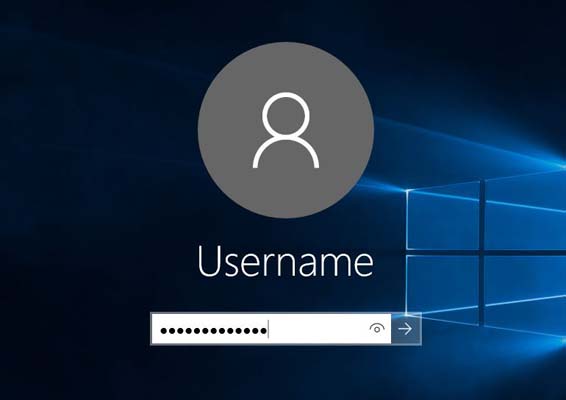
Log On
Verb
to connect a computer to a computer system by typing your name and password
Example: Log on the computer as soon as you get to class.
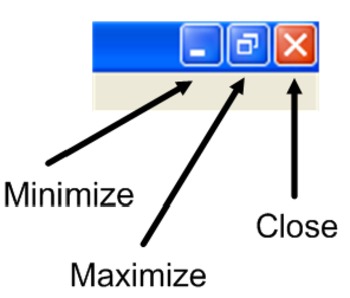
Maximize
verb
make as large or great as possible
Example: If you maximize a window on a computer screen, you make it as large as possible.
Microphone
noun
a device that converts sound waves into an electrical signal
Example: The interviewer asked her to speak into the microphone.
Minimize
verb
When you minimize a window, you hide it from view.
Example: Please minimize all open windows
monitor
noun
A monitor is an electronic computer display that includes a screen.
Example: Instructions were given after they were seated in front of a computer monitor.
Mouse
noun
A small handheld device that is dragged across a flat surface to move the cursor on a computer screen.
Example: He moved the mouse to click on the icon.
Navigate
verb
move from one page, section, or view of a file or website to another
Example: The new layout makes it easier to navigate through their atlas of world maps.
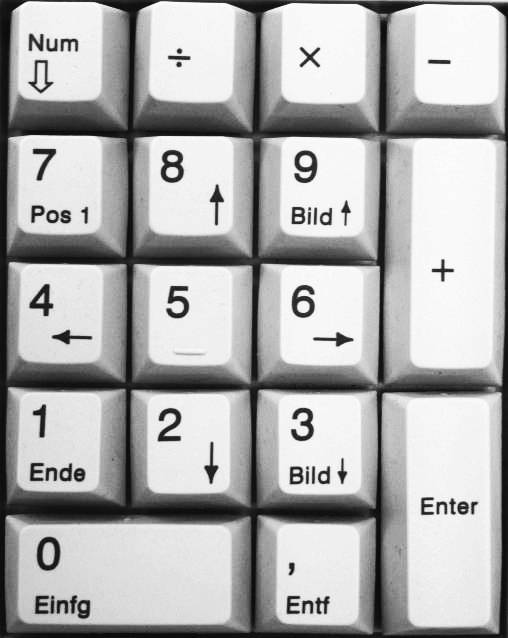
Number Pad
noun
usually-17-key section of a standard computer keyboard, usually on the far right
Example: The thing I miss is the number pad. I find typing numbers in using the numbers at the top extremely slow!
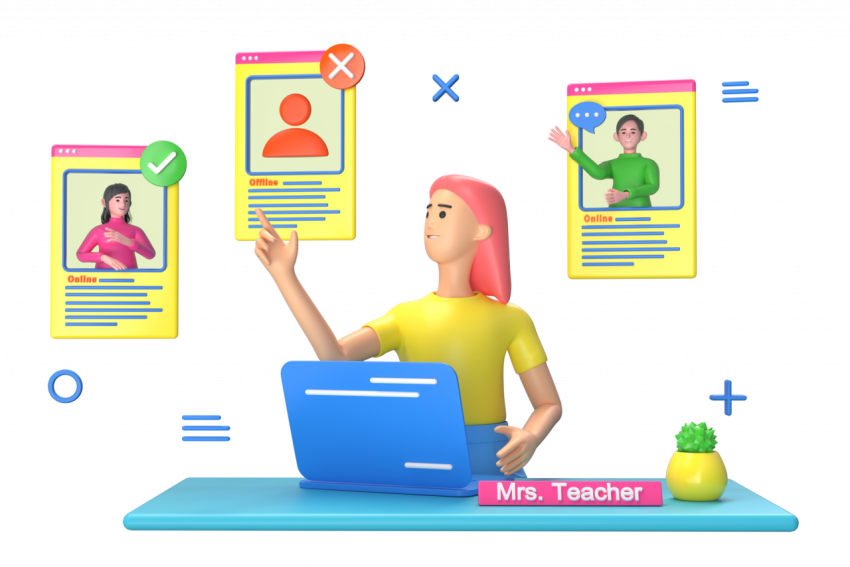
Online
available on or performed using the internet or other computer network
Example: I'm taking an online class.
Password
noun
a string of characters that allows access to a computer system or service
Example: Each user has a password in order to log onto the network.
Paste
verb
insert (a piece of text or other data copied from elsewhere)
Example: Click here to paste the image into the document.
Print
verb
produce a paper copy of (information stored on a computer)
Example: You can print the results of an internet search.
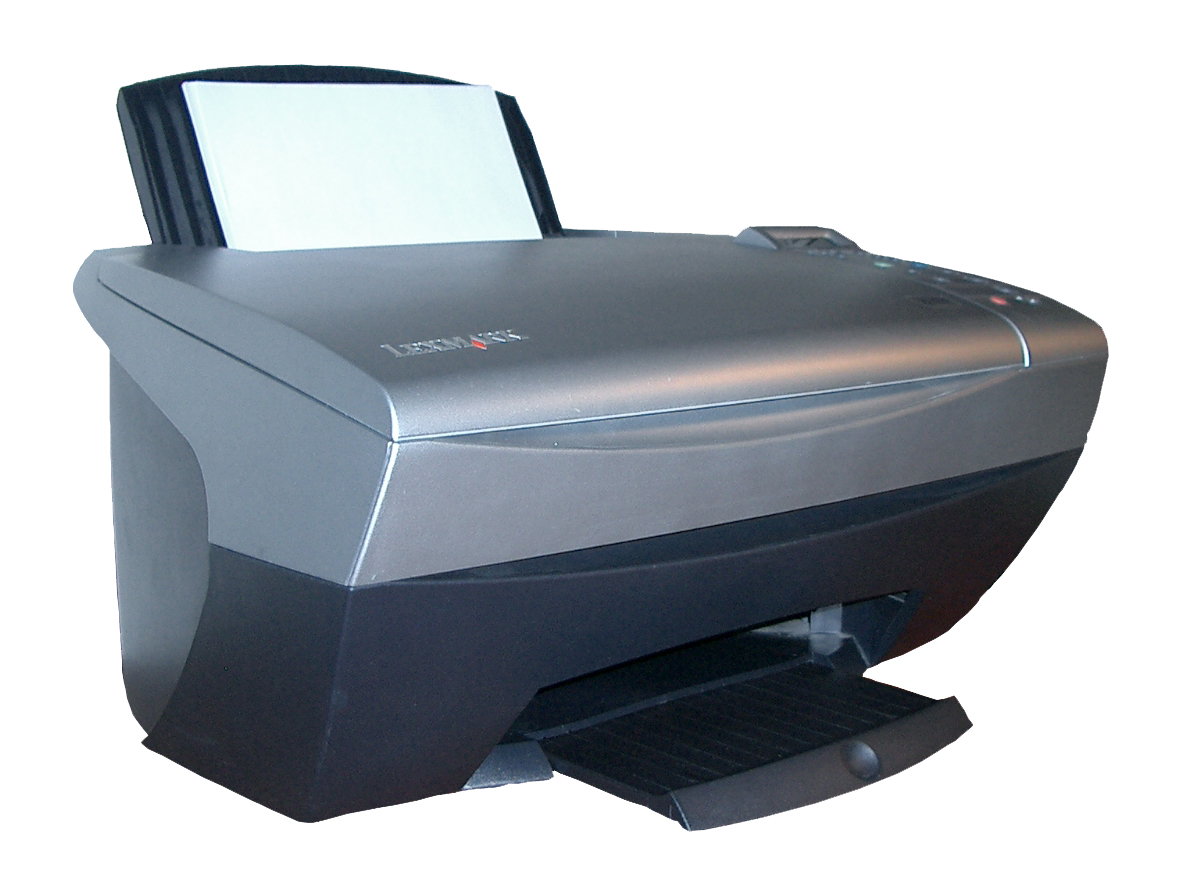
Printer
noun
a machine for printing text or pictures onto paper, especially one linked to a compute
Example: I used the printer to make copies of the document.
Projector
noun
a device for showing films or images on a screen or other surface
Example: For those who want an even larger screen to view their content, a projector is the way to go.
Recycle Bin
noun
a folder or directory where deleted items are temporarily stored
Example: It is possible to retrieve deleted files from the recycle bin.
Refresh
verb
an act of updating the display on a screen
Example: The refresh function key reloads the page.
Right Click
noun
pressing the right-hand button of a mouse
Example: To empty the recycle bin quickly, right click on its icon.
Save
verb
to store (data) in a computer or on a storage device
Example: to store (data) in a computer or on a storage device
Scroll Wheel
a vertically-oriented, typically rubber-coated wheel that sits between the left and right buttons of a mouse.
Example: Both are operated from buttons and a scroll wheel on the top of the mouse.
Search Engine
noun
a software program that helps people find the information they are looking for online using keywords or phrases
Example: Use a search engine like Google Flights to scan options by entering your origin airport.
Space Bar
noun
a long key on a typewriter or computer keyboard for making a space between words
Example: The Alt key can be found on the left hand side of the space bar.
Taskbar
noun
a strip of icons usually at the bottom of a computer screen showing programs that may be used by selecting their icons
Example: To get going, click the new Task view icon in the task bar at the bottom of your screen.
Text
noun
words or alphabetic characters
Example: Use the mouse to select the text you want to copy.
Text Box
noun
an object you can add to your document that lets you put and type text anywhere in your file.
Example: Paste your code into the text box and click Done.
Toolbar
noun
strip of icons on a computer display providing quick access to certain functions
Example: Hover the cursor over all of the icons on the toolbar to see what each one does.
Undo
verb
cancel or reverse an action on a computer
Example: You can frequently undo the error if you notice it in time.
URL
noun
the address of a web page.
Example: Type a URL into a browser's address bar.
USB
adjective
USB is a plug-and-play connection interface for computers and peripherals.
Example: A good computer for gaming needs to have numerous ports including USB.
User Name
noun
a special name given to a person to uniquely identify them on a computer network
Example: I typed in my username and password, and the screen was just blank.
Volume
noun
degree of loudness
Example: Dean repeated at a higher volume.
Web Address
noun
a name that points to the location of a particular web page in the internet
Example: The Web address is laprimahotel.com.
wifi
noun
Wi-Fi is the radio signal sent from a wireless router to a nearby device, which translates the signal into data you can see and use.
Example: These new phones feature built-in WiFi adapters.